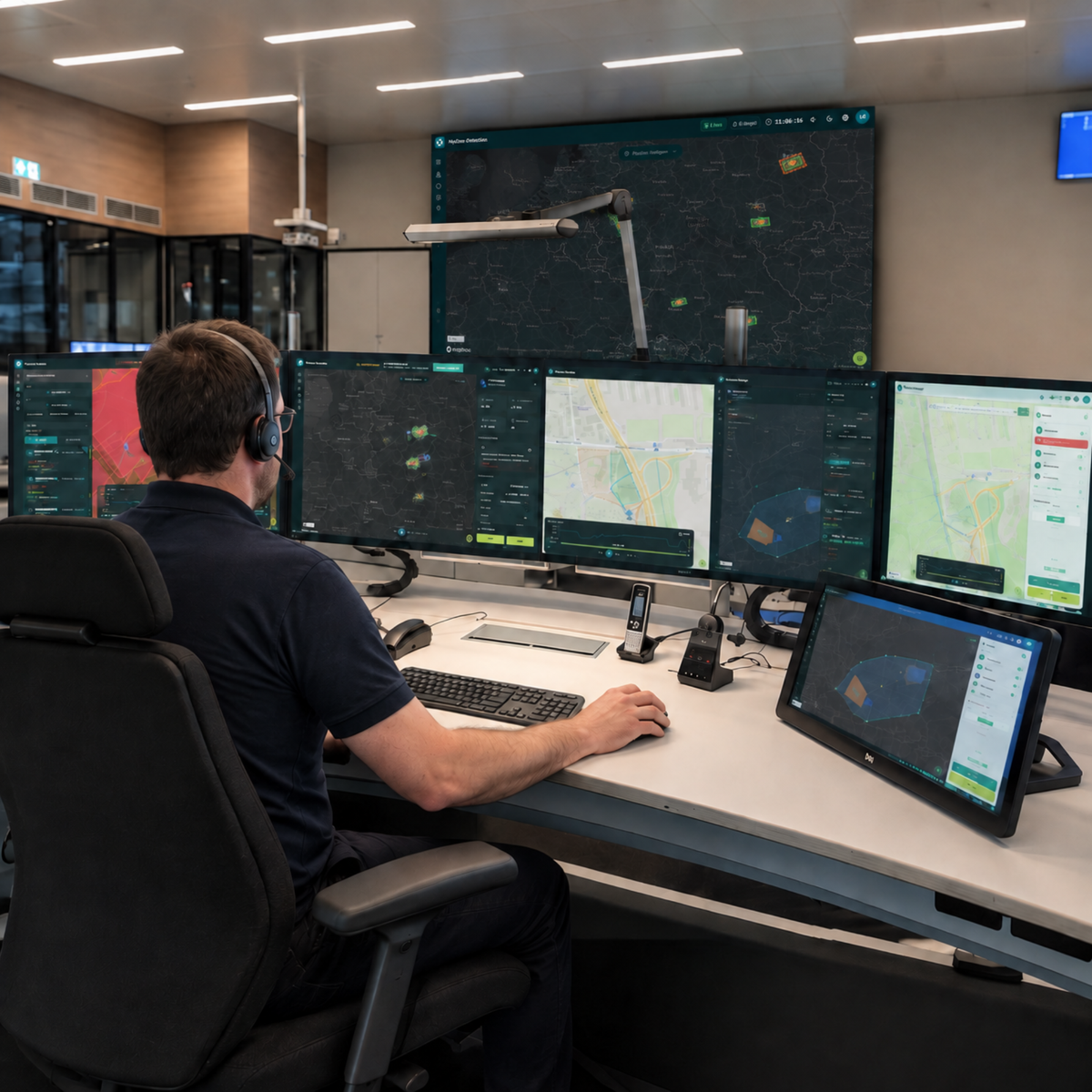
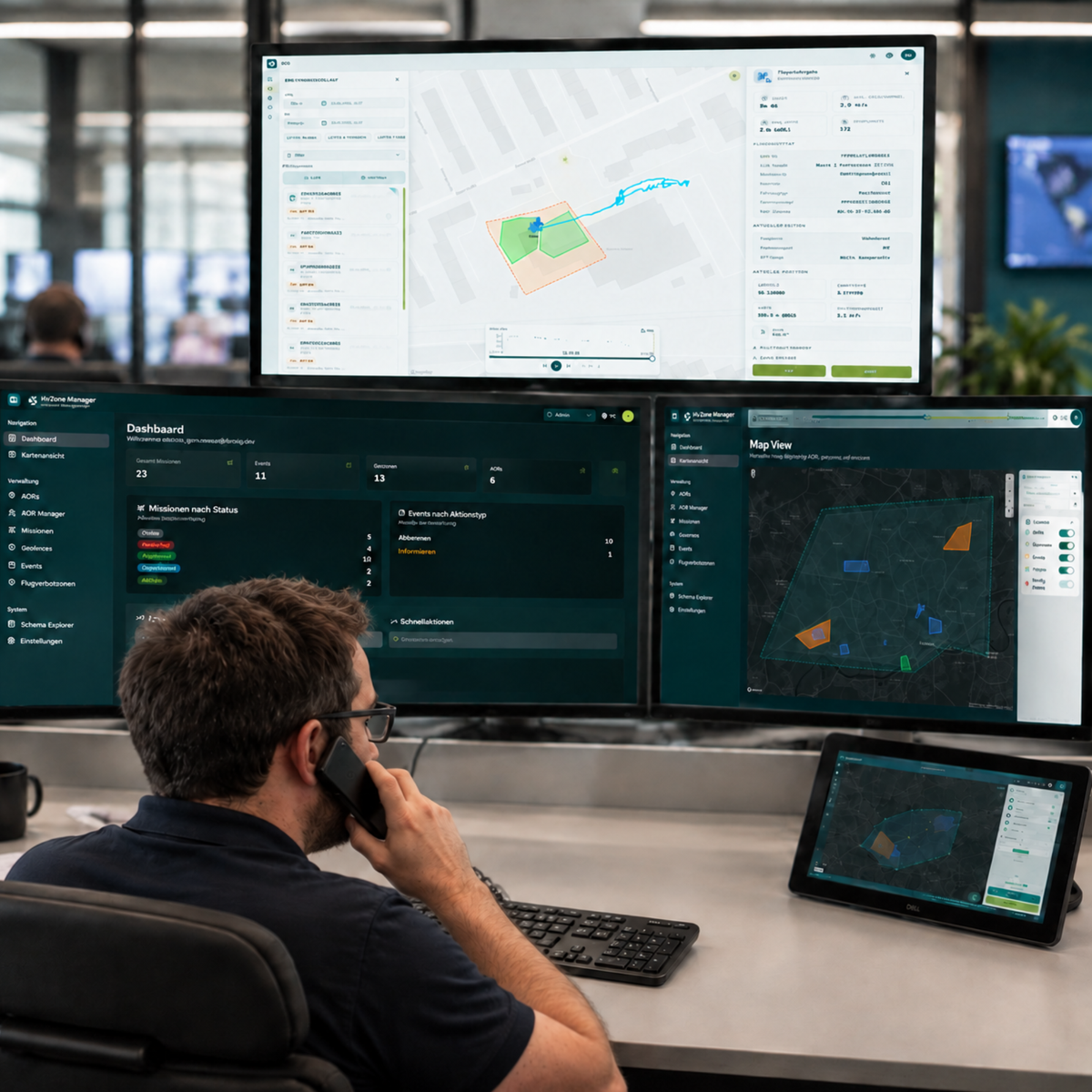
Detect drones. Monitor airspace. Make informed assessments of situations.
Detecting drone activity early on
Greater Transparency in Airspace
Assess Security Incidents Faster
Alerting in the Event of Critical Incidents
Can be used with MyZone Manager
Suitable for critical infrastructure, industry, and local governments
Detecting and properly assessing drone activity is becoming increasingly important for municipalities, critical infrastructure operators, and businesses. With MyZone Detection, the detection module of the MyZone Suite, decision-makers gain greater transparency into activity in monitored airspace and can assess security incidents early on. This lays the foundation for informed decisions, faster responses, and better situational awareness in sensitive areas.
MyZone Detection makes drone activity visible within a defined monitoring area and helps identify relevant events early on. Whether around critical infrastructure, industrial facilities, transportation hubs, urban areas, or events: decision-makers receive an up-to-date situational overview and can better assess potential risks. This creates greater transparency, increases responsiveness, and supports proactive security management.
As part of the MyZone Suite, MyZone Detection complements the MyZone Manager, which is responsible for managing, authorizing, and documenting known drone flights. While the MyZone Manager provides transparency regarding registered and authorized activities, MyZone Detection makes actual drone movements in airspace visible. Together, both modules provide a comprehensive situational overview and lay the foundation for greater safety, transparency, and operational flexibility in low-altitude airspace.
In short: MyZone Detection shows what is happening in the airspace. MyZone Manager documents and manages known flights. Together, they form the MyZone Suite.
The MyZone Suite combines drone flight management and drone detection in a single centralized platform. The MyZone Manager and MyZone Detection modules consolidate known and detected drone activities, providing a comprehensive overview of the airspace and all relevant information in one place.
Platform
What is the MyZone Suite?
The MyZone Suite combines drone flight management and drone detection in a single centralized platform. The MyZone Manager and MyZone Detection modules consolidate known and detected drone activities, providing a comprehensive overview of the airspace and all relevant information in one place.
MyZone Detection
MyZone Detection
Detect and Visualize
Drone Activity MyZone Detection monitors defined areas and visualizes drone activity in real time. This provides security personnel with greater visibility into the airspace and enables them to assess situations more quickly.
MyZone Manager
MyZone Manager
Manage
Known Drone Activities Transparently MyZone Manager digitizes the registration, review, and documentation of drone flights. Managers can keep track of approved missions, sensitive areas, and all relevant flight information on a single, centralized platform.
MyZone Detection
IN THE FIELD
Not all drone activity is known or announced in advance. MyZone Detection helps organizations keep track of activity in monitored airspace, assess situations more quickly, and detect security-related incidents early on. The solution is used wherever transparency, security, and an up-to-date situational awareness are critical.
See at a glance which drone activities are known and which have not yet been recorded. This allows you to assess and prioritize situations more quickly.
Combining Cooperative and Non-Cooperative Objectives
Consolidate information from flight management and drone detection into a single situational overview and create greater transparency in the monitored airspace.
Detect security incidents early
Identify suspicious drone activity in sensitive areas and support informed decision-making during security-related incidents.
Connect using MyZone Manager
When used in conjunction with MyZone Manager, detected drone activity is directly compared with known and authorized flights. This provides a comprehensive situational overview based on flight management and detection within the MyZone Suite.
Distinguishing Between Known and Unknown Drones
See at a glance which drone activities are known and which have not yet been recorded. This allows you to assess and prioritize situations more quickly.
Combining Cooperative and Non-Cooperative Objectives
Consolidate information from flight management and drone detection into a single situational overview and create greater transparency in the monitored airspace.
Detect security incidents early
Identify suspicious drone activity in sensitive areas and support informed decision-making during security-related incidents.
Connect using MyZone Manager
When used in conjunction with MyZone Manager, detected drone activity is directly compared with known and authorized flights. This provides a comprehensive situational overview based on flight management and detection within the MyZone Suite.
Detection.
Assignment.
Situation Report
System Requirements & Package Contents
System Requirements
MyZone Detection is a cloud-based software solution and can be used directly through a web browser. All you need to use it is an internet-enabled device. No local installation or additional hardware is required.
Requirements
Up-to-date web browser (Chrome, Edge, Firefox, or Safari)
Internet connection
PC, laptop, tablet, or smartphone
User account for accessing the platform
Note: Access is browser-based. Updates and new features are provided centrally and are available without the need for manual installation.
What's Included
Digital access to MyZone Detection based on the selected subscription
Single-user license for 1 user / max. 1 order per customer
User manual / Login access to the platform
Frequently Asked Questions
What is MyZone Detection?
MyZone Detection is the module for detecting and monitoring drone activity within the MyZone Suite.
Who is MyZone Detection designed for?
The solution is designed for municipalities, operators of critical infrastructure, industrial companies, and security and emergency response organizations.
Can security incidents be detected automatically?
Yes. Defined events can be detected and made visible to the appropriate personnel.
Can MyZone Detection be used with MyZone Manager?
Yes. Together, these two modules form the MyZone Suite and provide a comprehensive overview of the airspace.
Do I need to install any software?
No. It is accessed via the MyZone Suite using a web browser.
Choosing a selection results in a full page refresh.