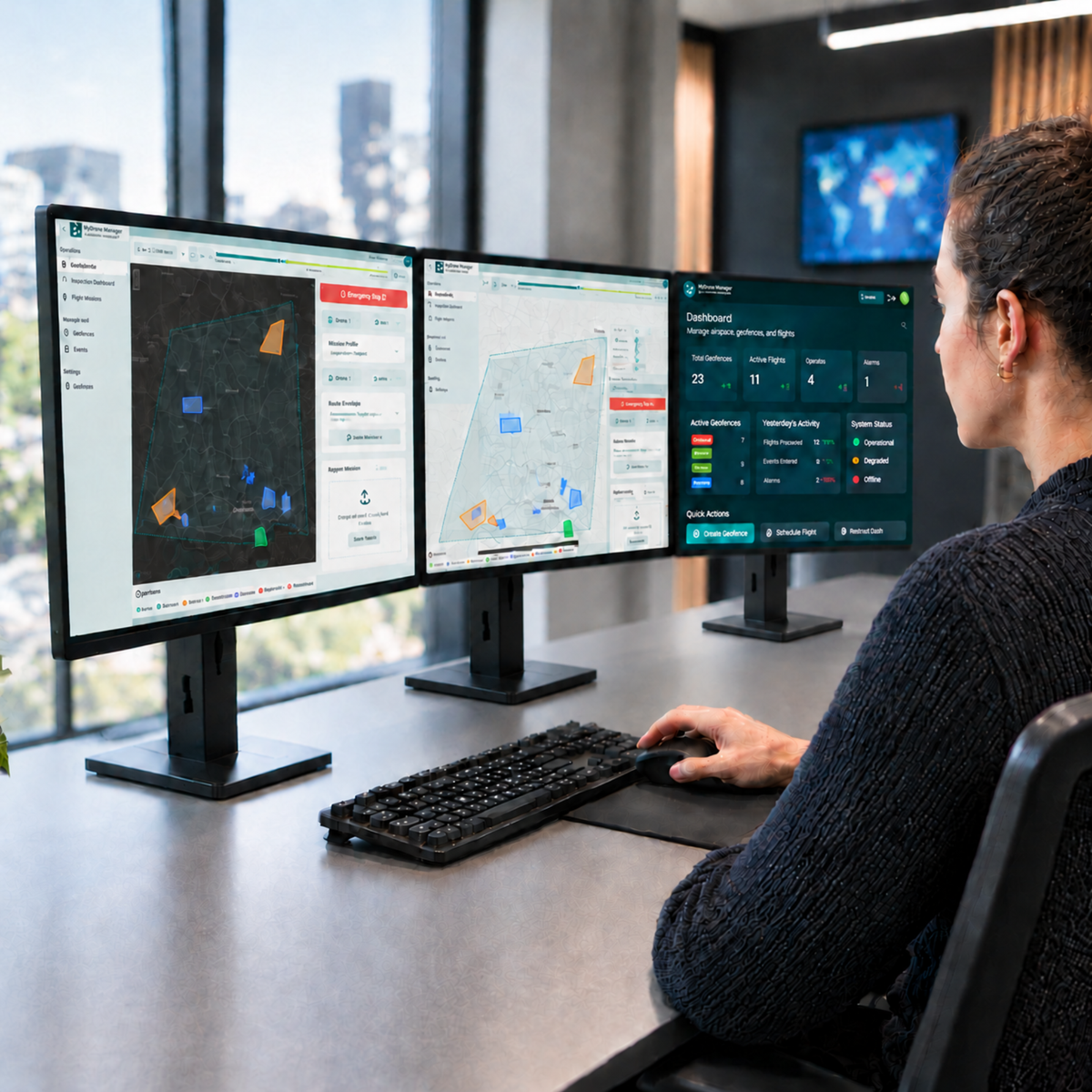
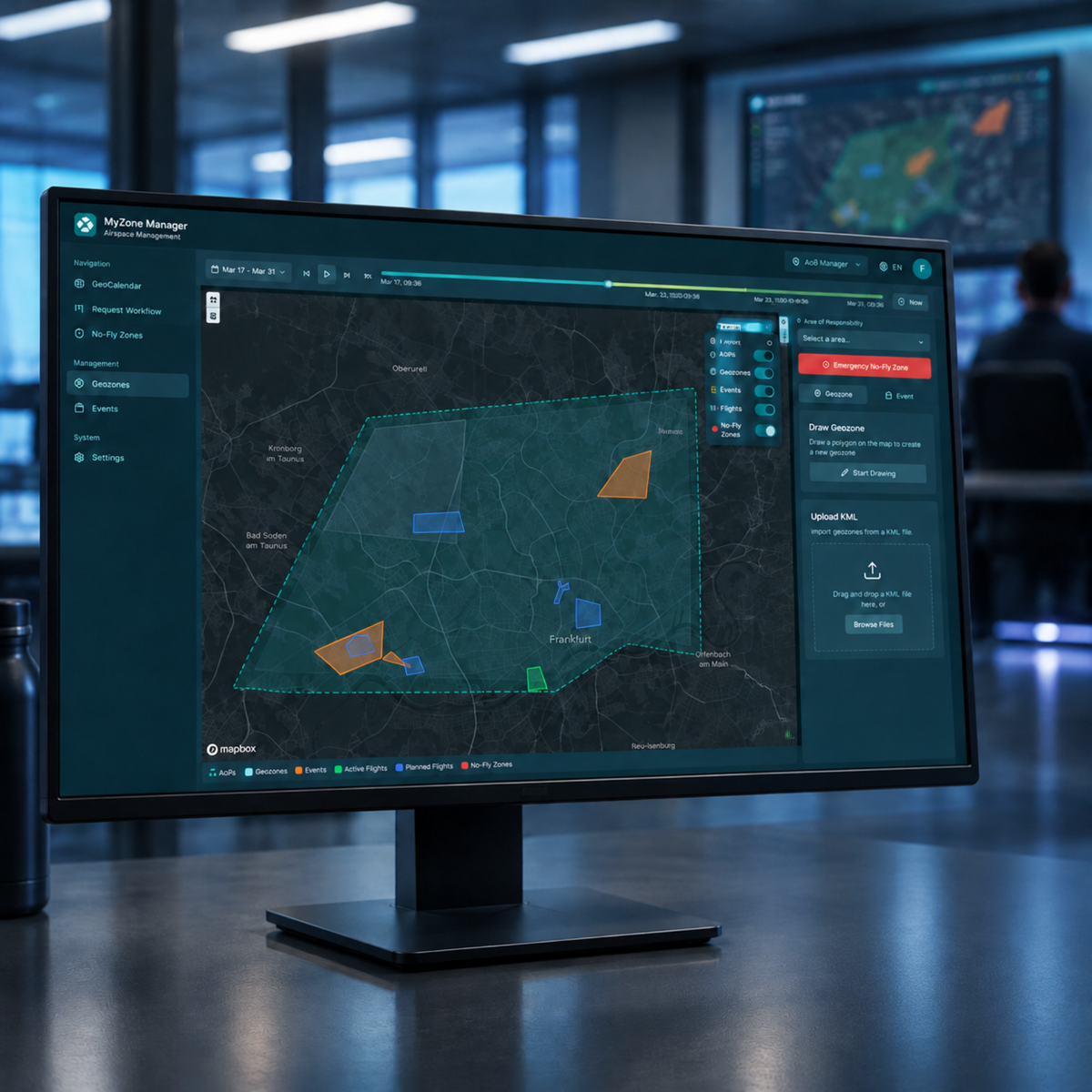
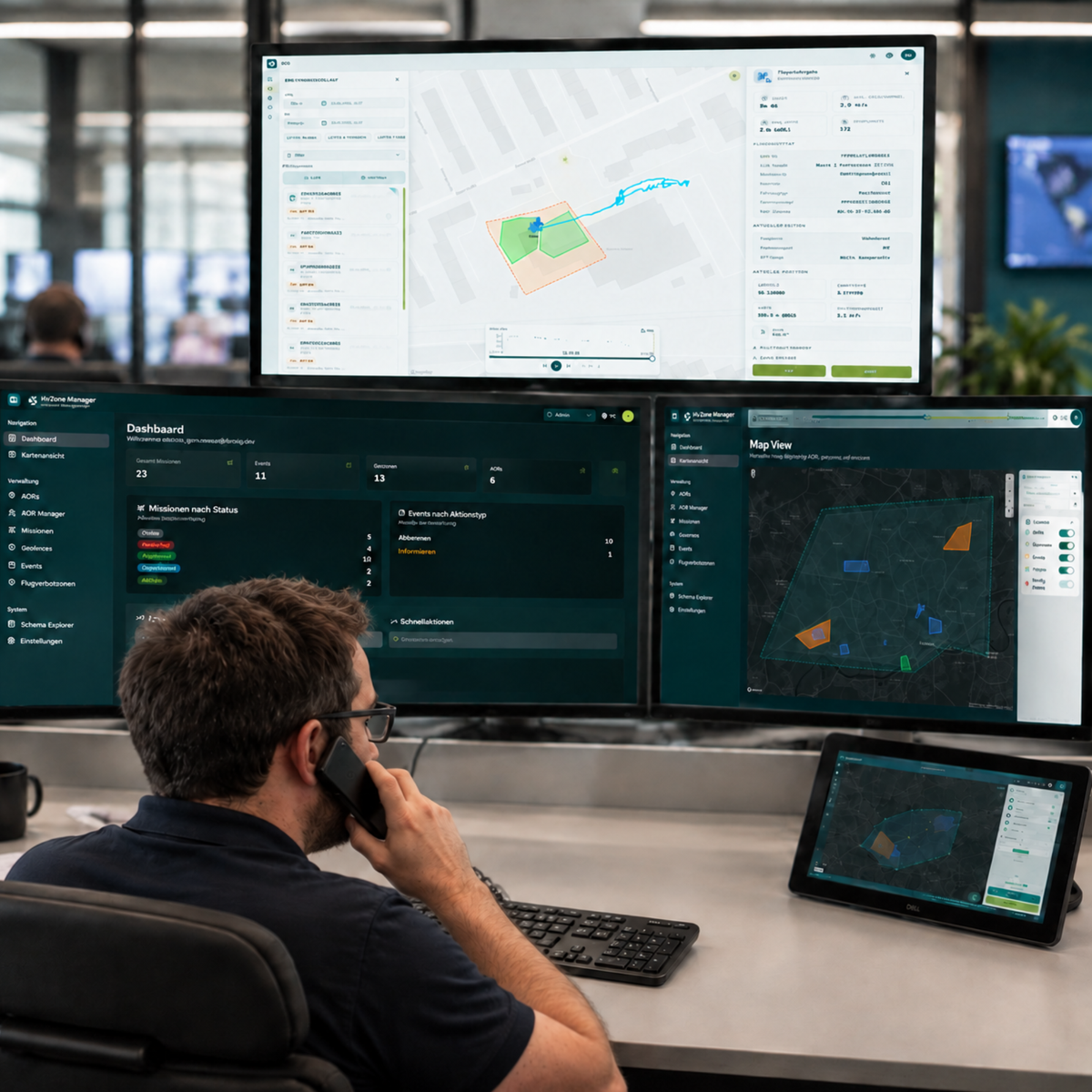
Centrally manage drone flights, digitally control geofences, and maintain an overview of your own airspace at all times.
Centrally Coordinate Drone Flights
Manage Permits Digitally
Flexibly Manage Geozones
Creating Transparency in Airspace
Increase Legal Certainty
Expandable with MyZone Detection
MyZone Manager is the central solution for the digital coordination and management of drone flights. It enables cities, municipalities, critical infrastructure operators, and companies to transparently map drone activities, streamline approval processes, and securely manage sensitive areas. Instead of relying on manual coordination and isolated processes, all relevant information is consolidated on a single platform.
As a module of the MyZone Suite, the MyZone Manager helps centrally record, coordinate, and document known and approved drone flights in a traceable manner. Managers maintain an overview of planned missions, active flights, and defined geozones at all times. At the same time, approval processes are digitized, and communication between pilots and the relevant authorities is streamlined.
The MyZone Suite is complemented by the second module, MyZone Detection. While MyZone Manager manages and documents known drone activities, MyZone Detection detects drones in defined airspace and also identifies unreported flight activities. Together, both modules create a comprehensive situational picture for greater transparency, safety, and informed decision-making in low-altitude airspace.
In short: MyZone Manager handles the organization of known drone flights, while MyZone Detection supplements the situational awareness with detected drone activities. Together, they form the MyZone Suite.
The MyZone Suite combines drone management and drone detection in a single centralized platform. The MyZone Manager and MyZone Detection modules consolidate known and detected drone activities, providing a comprehensive overview of airspace and all relevant information in one place.
Platform
What is the MyZone Suite?
The MyZone Suite combines drone management and drone detection in a single centralized platform. The MyZone Manager and MyZone Detection modules consolidate known and detected drone activities, providing a comprehensive overview of airspace and all relevant information in one place.
MyZone Manager
MyZone Manager
Manage
Known Drone Activities Transparently MyZone Manager digitizes the registration, review, and documentation of drone flights. Managers can keep track of approved missions, sensitive areas, and all relevant flight information on a single, centralized platform.
MyZone Detection
MyZone Detection
Detect and Visualize
Drone Activity MyZone Detection monitors defined areas and visualizes drone activity in real time. This provides security personnel with greater visibility into the airspace and enables them to assess situations more quickly.
MyZone Manager
IN THE FIELD
MyZone Manager helps organizations coordinate drone flights transparently, digitize approval processes, and securely manage sensitive areas. The software provides a centralized overview of known and approved drone activities and ensures traceable processes in low-altitude airspace.
Manage registered, approved, and active drone flights centrally on a single platform. Keep track of planned missions at all times and ensure transparency for everyone involved.
Geozone Management
Digitally define and manage sensitive areas, no-fly zones, or temporary restricted areas. Changes are managed centrally and can be flexibly adapted to current requirements.
Digital Approval Processes
Process flight requests efficiently and in a traceable manner. From submission to approval to documentation, every step is digitally tracked and stored.
Documentation & Situation Report
All decisions, approvals, and flight operations are documented centrally. Combined with MyZone Detection, this provides a comprehensive overview of the low-altitude airspace.
Flight Coordination
Manage registered, approved, and active drone flights centrally on a single platform. Keep track of planned missions at all times and ensure transparency for everyone involved.
Geozone Management
Digitally define and manage sensitive areas, no-fly zones, or temporary restricted areas. Changes are managed centrally and can be flexibly adapted to current requirements.
Digital Approval Processes
Process flight requests efficiently and in a traceable manner. From submission to approval to documentation, every step is digitally tracked and stored.
Documentation & Situation Report
All decisions, approvals, and flight operations are documented centrally. Combined with MyZone Detection, this provides a comprehensive overview of the low-altitude airspace.
Flight Coordination
Geozone Management
Permits
Situation Report
How the MyZone Manager Works
System Requirements & Package Contents
System Requirements
MyZone Manager is a cloud-based software solution and can be used directly through a web browser. All you need to use it is an internet-enabled device. No local installation or additional hardware is required.
Requirements
Up-to-date web browser (Chrome, Edge, Firefox, or Safari)
Internet connection
PC, laptop, tablet, or smartphone
User account for accessing the platform
Note: Access is browser-based. Updates and new features are provided centrally and are available without the need for manual installation.
What's Included
Digital access to MyZone Manager based on your selected subscription
Single-user license for 1 user / max. 1 order per customer
User manual / Login access to the platform
Frequently Asked Questions
What is MyZone Manager?
MyZone Manager is a digital platform for managing, authorizing, and documenting drone flights.
Who is the MyZone Manager designed for?
The solution is designed for municipalities, cities, industrial companies, operators of critical infrastructure, and security managers.
Can geozones and restricted areas be managed?
Yes. No-fly zones and sensitive areas can be flexibly defined and adjusted.
Can drone detection be integrated?
Yes. The MyZone Manager can be combined with MyZone Detection (optional) to also detect unregistered drone flights.
Do I need to install any software?
No. MyZone Manager is a cloud-based, browser-based solution and can be used without a local installation.
Choosing a selection results in a full page refresh.